

ШІ-фони для предметної фотографії
Як використовувати ШІ-заміну фону для товарних фотографій в e-commerce — чисті білі фони, лайфстайл-сцени та однорідні каталожні зображення.
Предметна фотографія зустрічає ШІ
Платформи електронної комерції вимагають однорідних, чистих зображень товарів. Amazon вимагає чисто білий фон. Магазинам на Shopify потрібні лайфстайл-знімки. Традиційно для досягнення обох варіантів потрібні або дорогі студійні установки, або години роботи в Photoshop. ШІ-заміна фону ефективно вирішує обидві задачі.
Чисті білі фони
Для лістингів на маркетплейсах використовуйте промпт «Чисто білий фон, чиста предметна фотографія, без тіней». ШІ ізолює товар і розміщує його на безшовному білому фоні. Це працює для всього — від електроніки до одягу та продуктів харчування.
Лайфстайл-сцени
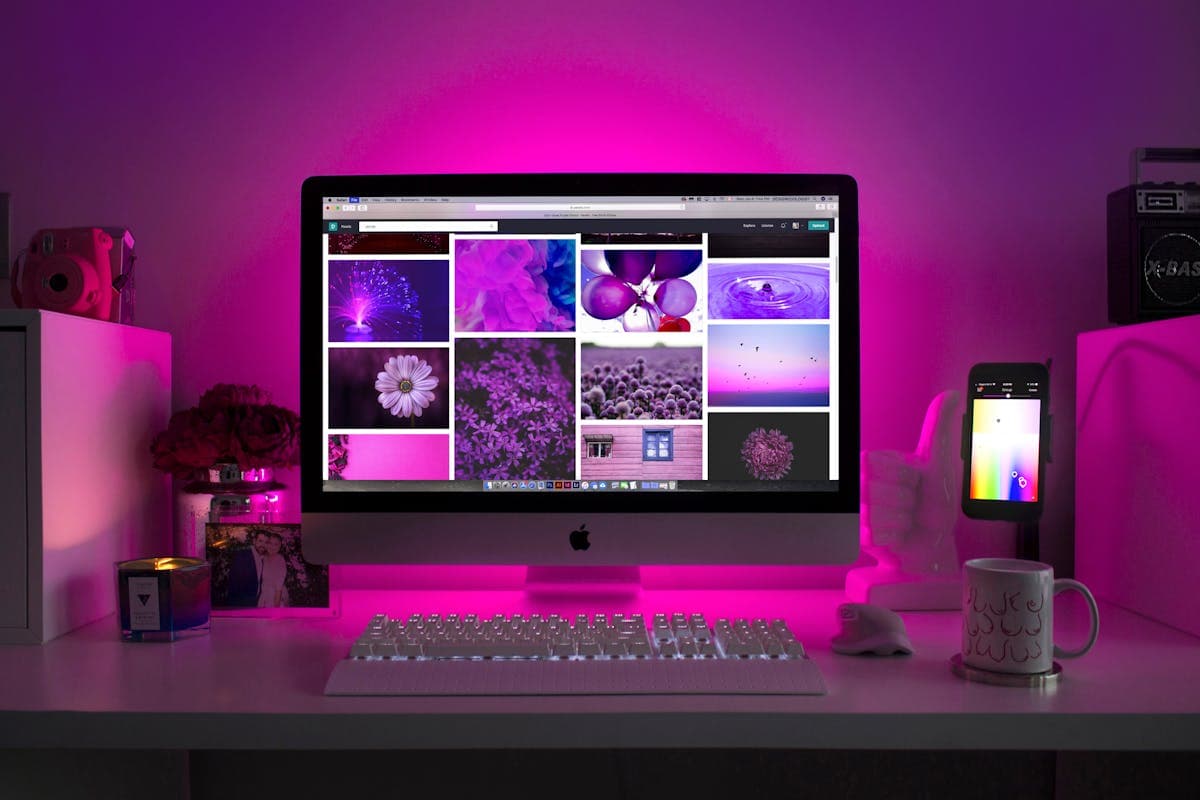
Для власного магазину або соціальних мереж лайфстайл-фони продають краще, ніж білі. Використовуйте промпти на кшталт «Сучасна кухонна стільниця з м'яким природним світлом» для посуду або «Мінімалістичне робоче місце з теплим розсіяним освітленням» для техніки.
ШІ генерує контекстуально доречні сцени, в яких товари виглядають так, ніби знаходяться в реальному оточенні.

Поради зі зйомки товарів
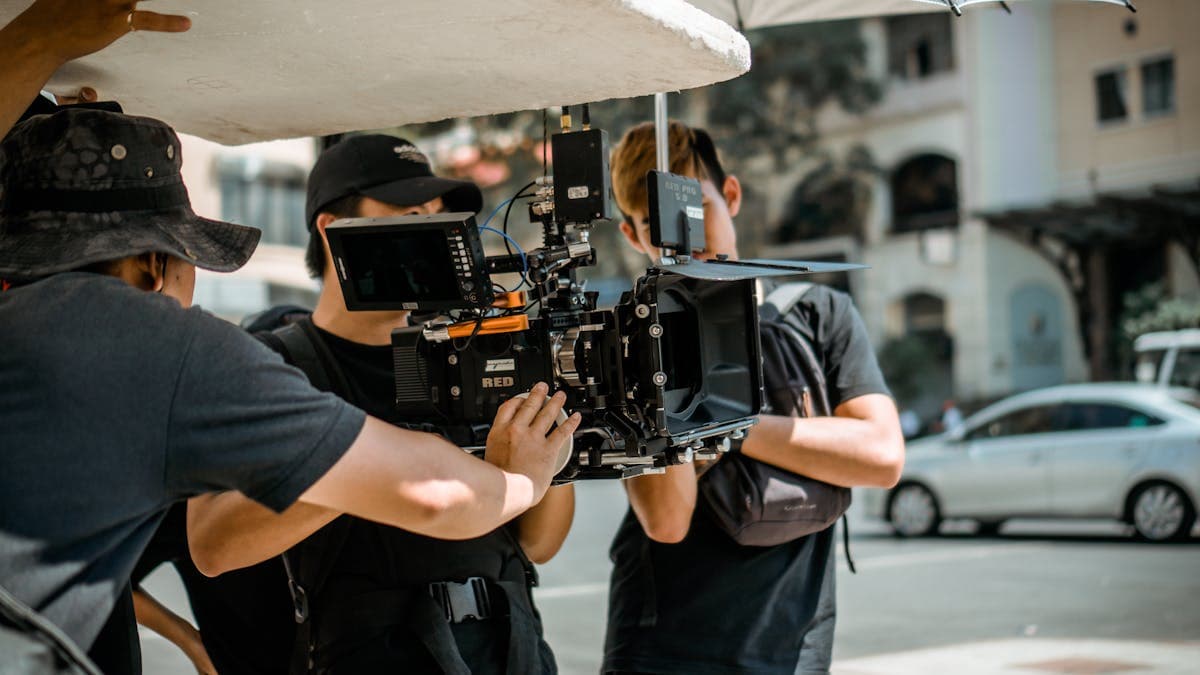
- Використовуйте поворотний стіл для однорідних ракурсів по всьому каталогу
- Освітлюйте товар рівномірно — уникайте різких тіней, які збивають ШІ
- Знімайте на контрастному фоні (сірий підходить для більшості товарів)
- Зберігайте однакову відстань до камери та фокусну відстань для однорідності каталогу
Пакетна обробка товарних каталогів
Для великих каталогів (100+ SKU) пакетна обробка необхідна. Налаштуйте станцію предметної зйомки, сфотографуйте всі товари з однаковим освітленням і дозвольте FramePulse обробити весь пакет з одним промптом. Каталог, на ручну обробку якого пішли б дні, готовий за години.
Оцініть статтю
Готові спробувати ШІ-заміну фонів?
Почніть генерувати професійні фото з ШІ-фонами за секунди.
Почати безкоштовно