

Automating School Portrait Sessions
April 25, 2026Yehor Razkevych
School PortraitsAutomationVolume

Automating School Portrait Sessions

How to process hundreds of student portraits with AI background replacement — from setup to delivery in a fraction of the traditional time.

The School Portrait Challenge

School portrait sessions are the ultimate volume test. You might photograph 200-500 students in a single day, each needing the same professional background. Traditional approaches require either expensive physical backdrops or hours of post-production editing.

AI background replacement eliminates both problems. Shoot against any clean backdrop, and the AI generates a consistent, professional background for every student.

Portrait studio setup
A simple setup with flat lighting works best for high-volume school portraits

Optimal Shooting Setup

For school portraits, use flat lighting (two equal-intensity lights on either side of the camera). This produces minimal shadows, which gives the AI maximum flexibility in background generation. Every student gets a consistent look regardless of skin tone or clothing color.

Keep your camera settings locked: fixed white balance, fixed exposure, fixed focal length. Consistency in means consistency out.

Processing Workflow

  1. Shoot tethered to the FramePulse watch folder
  2. Set a single prompt template for the entire school (e.g., "Traditional blue-gray gradient studio backdrop with soft vignette")
  3. FramePulse processes each photo as it arrives
  4. Results accumulate in the output folder, ready for review
Automated processing
Photos process automatically as you shoot
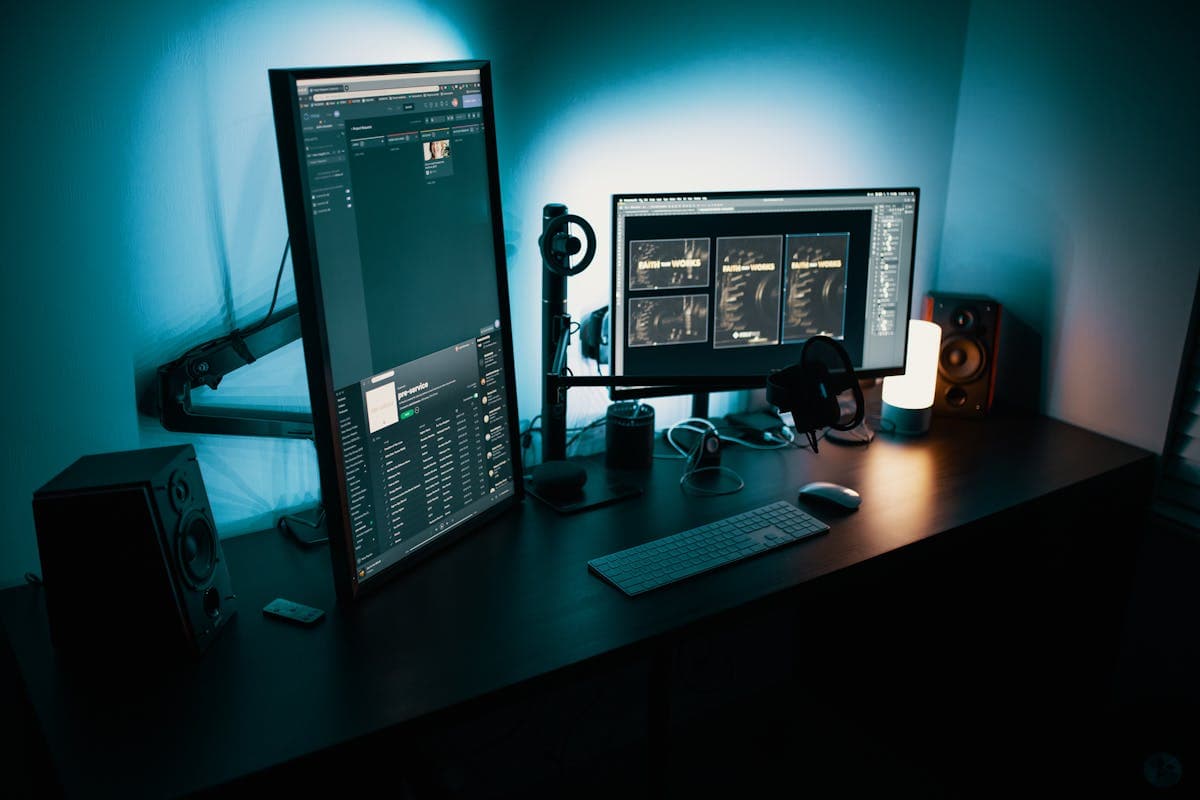
Results on screen
Monitor results in real time during the session

Quality Assurance

After the session, scan through results quickly. With consistent lighting and a single prompt, you should see uniform quality across all images. Flag the rare exceptions for individual reprocessing.

Delivery and Packaging

Export results organized by student name or ID number. Many school photography platforms accept bulk uploads — your AI-processed images are ready to upload directly, cutting days off the traditional workflow.

Rate this article

Ready to Try AI Background Replacement?

Start generating professional photos with AI-powered backgrounds in seconds.

Get Started Free

Comments

Automating School Portrait Sessions — AI Photo Studio — AI Photo Studio