
How to Build an AI Photo Booth with Real-Time Background Replacement
Turn any space into an AI-powered photo booth using FramePulse. Guests take photos and see themselves with custom AI backgrounds on a display — instantly.
What Is an AI Photo Booth?
A traditional photo booth uses a fixed backdrop — a curtain, a printed banner, or a green screen. An AI photo booth replaces the background in real time using artificial intelligence. Guests step in front of the camera, the photo is taken, and within a minute they see themselves in a completely different environment — a tropical beach, a futuristic cityscape, an elegant ballroom, or any scene you can describe in a text prompt or show with a reference background photo.
No green screen needed. No manual editing. The AI handles subject isolation and background generation automatically.
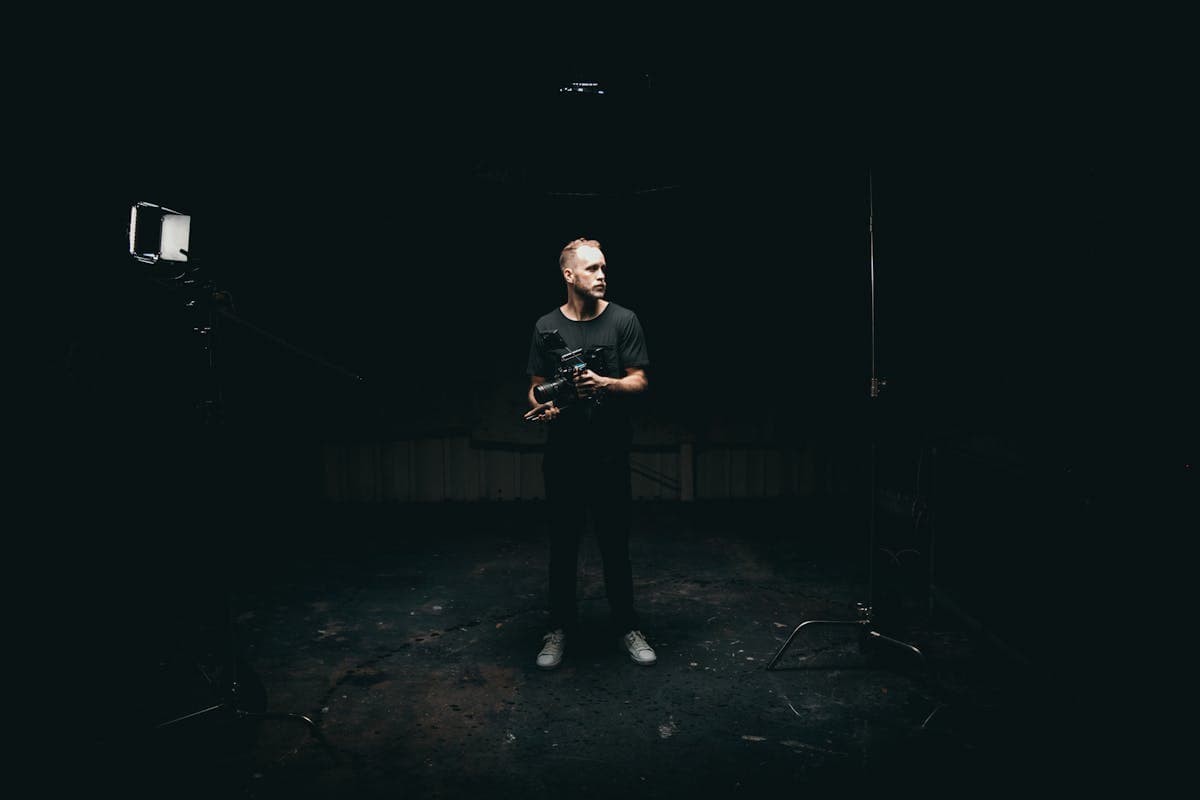
Hardware You Need
The setup is surprisingly simple and affordable:
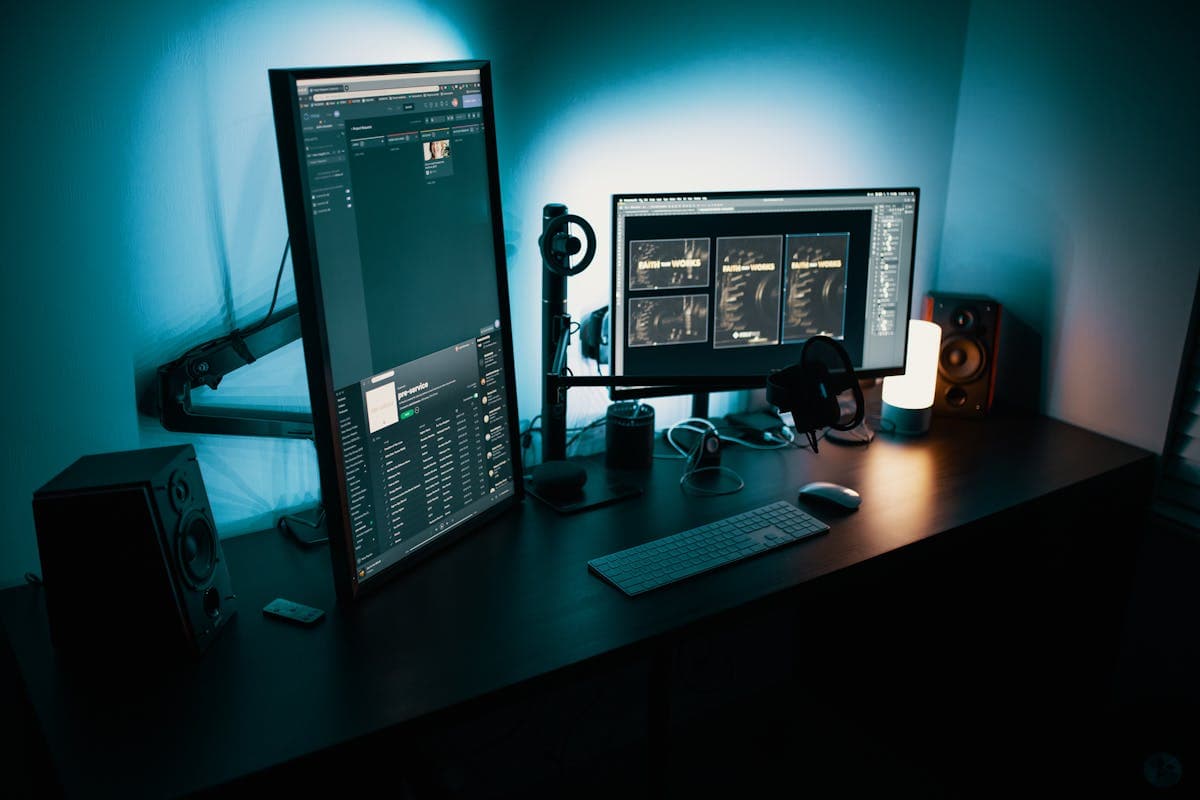
- Computer — Any Windows, macOS, or Linux machine. A mini-PC like Intel NUC or Mac Mini works perfectly. FramePulse is lightweight — the heavy processing happens on the server.
- Camera — Any DSLR or mirrorless camera with USB tethering support. Canon, Nikon, Sony all work. Even a high-quality webcam can work for casual setups.
- Display — A TV or monitor facing the guests. This shows Live Feed with the AI-generated results.
- Tethering software — Canon EOS Utility, Nikon Camera Control, Sony Imaging Edge, or Capture One to send photos from camera to the watch folder.
Optional: a tablet for guests to browse their photos, a printer for instant prints, or a QR code system for digital delivery.
Software Setup
- Install FramePulse on the computer
- Set up your watch folder (where tethered photos land)
- Create prompt templates for the event — prepare several background options
- Enable the File Watcher
- Open Live Feed on the display screen in fullscreen mode
That's it. Every photo taken by the camera automatically gets processed with AI background replacement and appears on the display.
Use Cases
Weddings
Set up the AI photo booth at the reception. Guests take photos and see themselves in romantic settings — garden scenes, castle interiors, sunset beaches. The photos become instant keepsakes and social media content.
Corporate Events
Brand the experience with custom prompts: "Modern office with [Company Name] branding on the wall" or "Conference stage with professional lighting." Guests get professional headshots with premium backgrounds.
Parties and Festivals
Go wild with creative backgrounds — neon cityscapes, fantasy worlds, movie scenes. The AI generates unique backgrounds for every photo, making each one special.
Retail and Marketing
Set up in a store or at a trade show. Customers take photos with your products in aspirational settings. They share on social media — free marketing with every photo.
Tips for the Best Experience
Use flat, even lighting. This gives the AI the most flexibility in generating convincing backgrounds. Two softboxes on either side of the camera work well.
Prepare multiple prompt templates. Let guests choose their background theme, or rotate automatically between prompts for variety.
Position the display where guests can see it naturally. A large TV mounted at eye level, facing the shooting area, creates the best "wow" moment.
Use fullscreen mode on Live Feed. Remove all browser chrome for a clean, professional display.
Cost Considerations
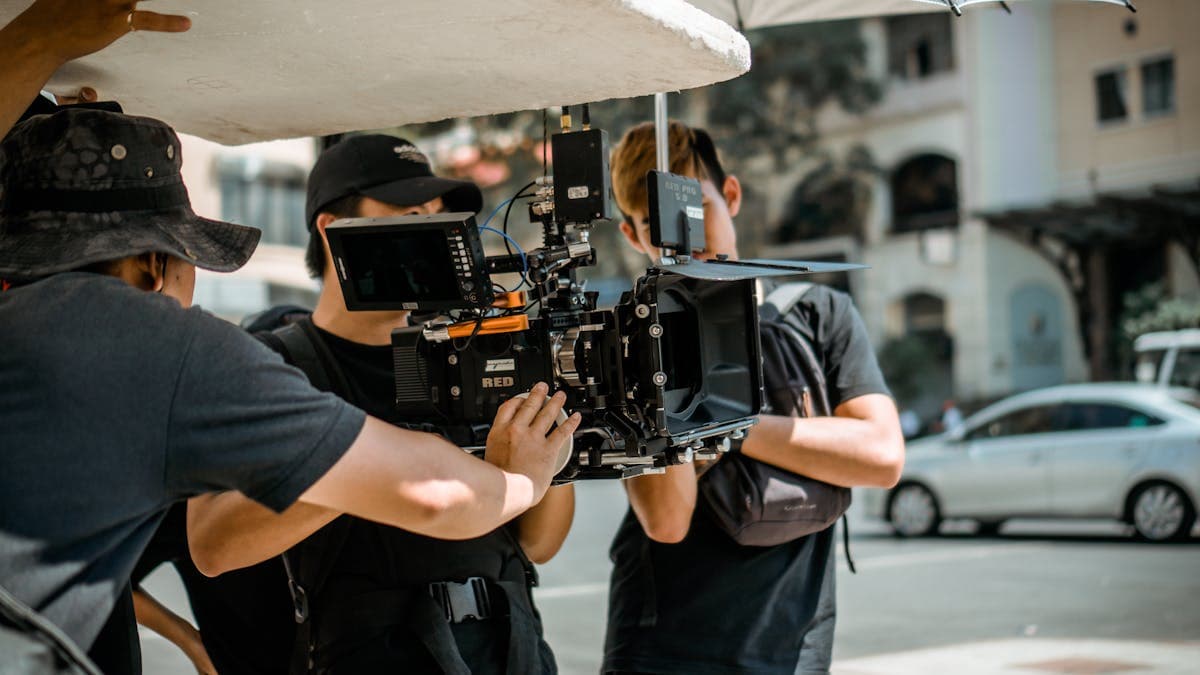
An AI photo booth is significantly cheaper to operate than a traditional green screen setup:
- No physical backdrops to buy, transport, or store
- No post-production editing — everything is automated
- One person can operate the entire setup
- Unlimited background variety from text prompts alone
The main ongoing cost is the AI API usage for background generation, which is minimal per image. Combined with a subscription, you can process photos all day at a fraction of what a traditional photo booth service charges.
Scaling Up
Once you've proven the concept at one event, scaling is straightforward. Build multiple identical setups — each one is just a computer, camera, and display. FramePulse runs independently on each machine, so there's no central server bottleneck. You can operate several AI photo booths simultaneously at large events.
Rate this article
Ready to Try AI Background Replacement?
Start generating professional photos with AI-powered backgrounds in seconds.
Get Started Free