
Portrait Lighting Guide for AI Background Replacement
Discover how your studio lighting setup affects AI-generated backgrounds and learn techniques to get the most natural-looking results.
Lighting and AI: Why It Matters
When an AI model generates a replacement background, it analyzes the lighting in your original photograph to create a scene that looks consistent. Hard shadows on the subject suggest directional light, so the AI generates backgrounds with matching light direction. Soft, even illumination suggests overcast or diffused studio light, leading to smoother background scenes.
Understanding this relationship lets you control the AI output by controlling your studio setup.
Key Lighting Setups and Their AI Results
Rembrandt Lighting
A single key light placed at 45 degrees creates the classic triangle of light on the cheek opposite the light source. This strong directional lighting tells the AI exactly where the light is coming from, producing backgrounds with clear directional shadows and highlights. Works well with prompts describing outdoor scenes with sun from one side.
Butterfly Lighting
The key light is placed directly in front of and above the subject, creating a small shadow under the nose. This top-down lighting pattern pairs naturally with backgrounds suggesting overhead light — midday outdoor scenes, studio environments with ceiling fixtures, or evenly lit interior spaces.
Loop Lighting
A slight variation of Rembrandt, with the key light moved closer to the camera axis. The softer shadow pattern gives the AI more flexibility in background generation. This is often the most versatile setup for AI workflows because it doesn't lock you into a specific background lighting direction.
Flat Lighting
Two lights of equal intensity on either side of the camera produce minimal shadows. This is the most forgiving setup for AI background replacement because the lack of strong directional cues means almost any background will look plausible. Ideal for high-volume work where you want maximum flexibility in post-production.
Practical Tips for Studio Setup
Use a fill light. Even when you want dramatic lighting, a subtle fill light (1-2 stops below your key) prevents the shadow side from going completely black. The AI needs some detail in shadow areas to create convincing edge blending.
Avoid colored gels on the key light. Strong color casts on the subject make it harder for the AI to generate a natural-looking background. If you want colored lighting effects, apply them to the background light instead — the AI will replace the background anyway.
Keep the background simple. While the AI replaces the background entirely, a clean backdrop (gray, white, or black) reduces the chance of background elements bleeding into the subject mask. A busy background with similar colors to the subject's clothing can occasionally confuse edge detection.
Maintain consistent exposure. If you're shooting a series for batch processing, keep your exposure settings locked. Consistent brightness across images means consistent AI results, which matters when delivering a cohesive set to a client.
Matching Prompts to Your Lighting
The most natural results come from aligning your prompt with your actual lighting:
- Hard directional light → "golden hour sunlight from the left," "window light in a modern loft"
- Soft diffused light → "overcast day in a garden," "softly lit interior with neutral tones"
- Flat even light → "clean studio backdrop," "evenly lit corporate office," "bright airy room"
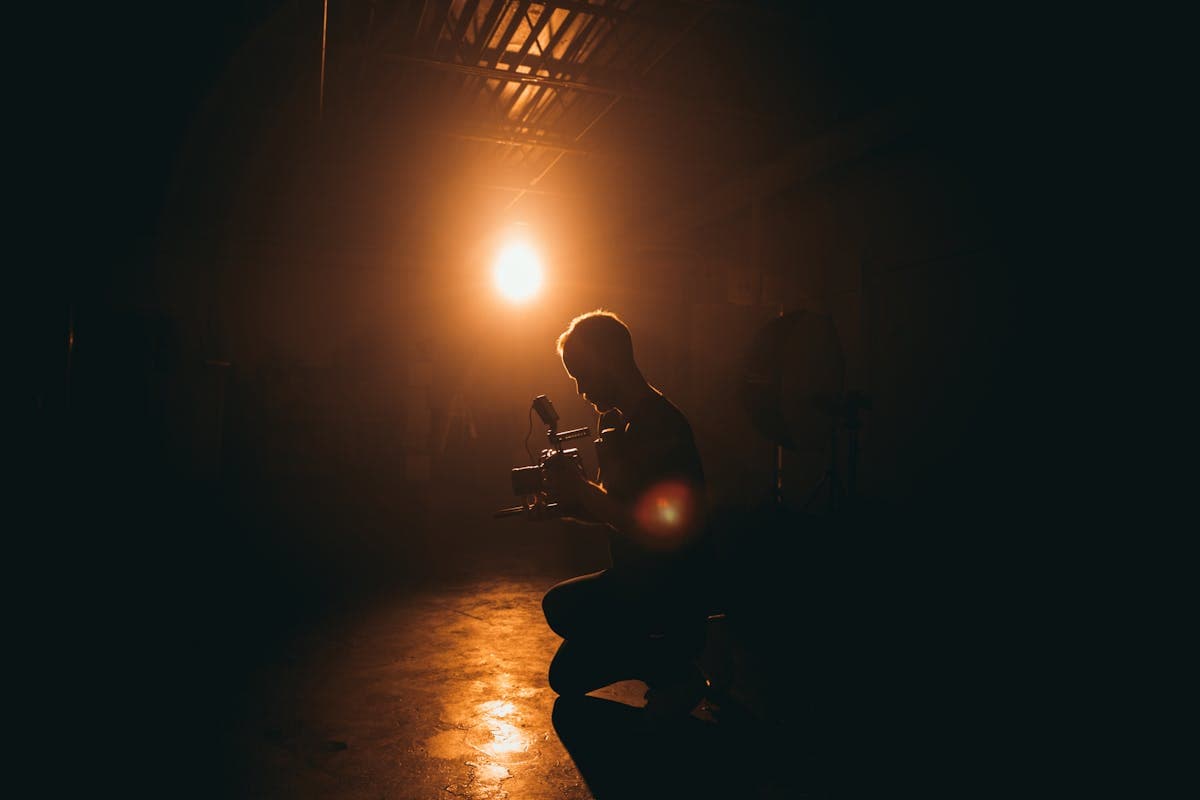
- Dramatic low-key → "dark moody studio," "evening cityscape with ambient glow"
When your lighting and prompt tell the same story, the AI produces backgrounds that look like they were actually shot on location.
Rate this article
Ready to Try AI Background Replacement?
Start generating professional photos with AI-powered backgrounds in seconds.
Get Started Free