

Writing Effective Prompts for Background Generation
April 26, 2026Yehor Razkevych
PromptsAITutorial

Writing Effective Prompts for Background Generation

Master the art of prompt writing to get exactly the backgrounds you want — from simple studio backdrops to complex environmental scenes.

Prompts Are Your Creative Control

The text prompt you write determines what background the AI generates. A vague prompt produces generic results. A specific, well-structured prompt produces exactly what you envision. Learning to write effective prompts is the single biggest improvement you can make to your AI workflow.

The Anatomy of a Good Prompt

A strong prompt includes three elements: scene description, lighting, and mood.

  • Scene: "Modern loft apartment with exposed brick walls and large windows"
  • Lighting: "Soft afternoon sunlight streaming through the windows"
  • Mood: "Warm, inviting, professional"

Combined: "Modern loft apartment with exposed brick walls and large windows, soft afternoon sunlight streaming through the windows, warm inviting atmosphere."

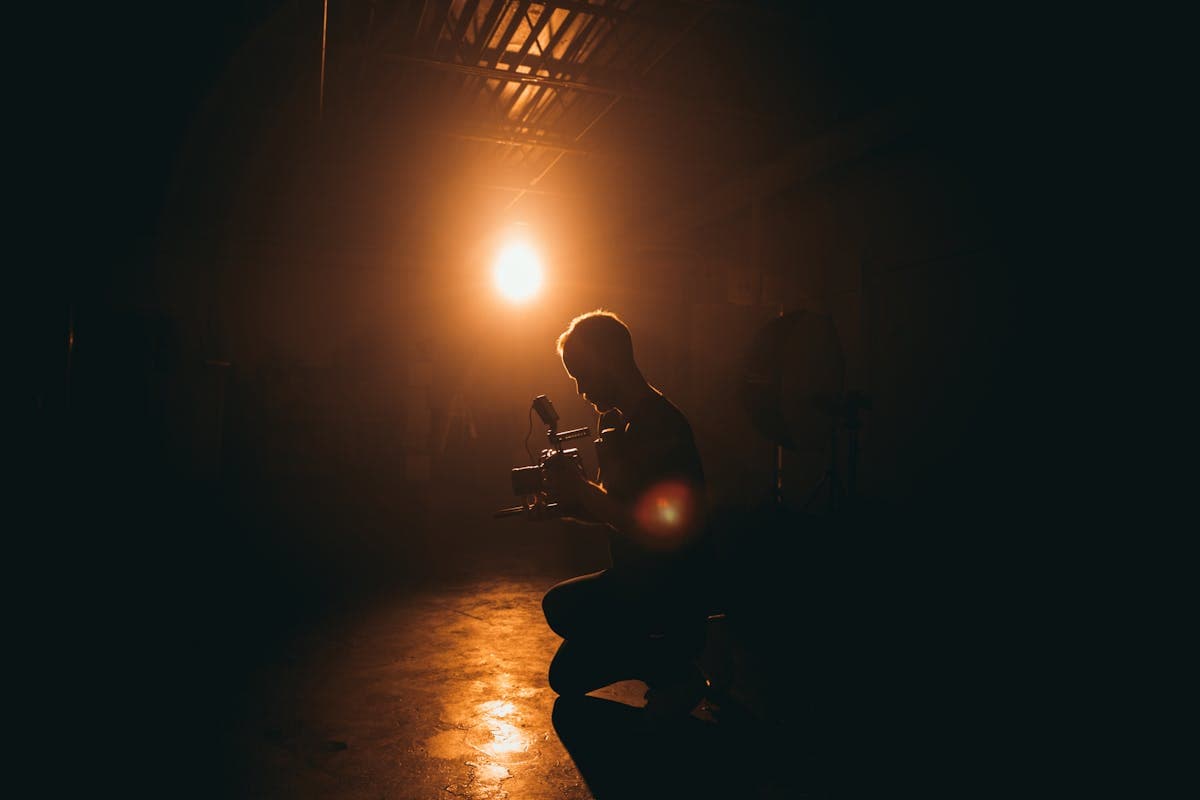
Photographer reviewing prompts
Well-crafted prompts produce backgrounds that match your creative vision

Common Prompt Patterns

Studio backdrops: "Clean gray gradient studio backdrop with subtle rim lighting and soft shadows"

Outdoor scenes: "Autumn park with golden oak trees, soft bokeh in the background, warm afternoon sunlight"

Interior spaces: "Elegant hotel lobby with marble floors, warm ambient lighting, and modern furniture"

Abstract: "Soft gradient from deep navy to warm amber, smooth bokeh circles, professional portrait backdrop"

Prompt results
Compare different prompts to find your preferred style
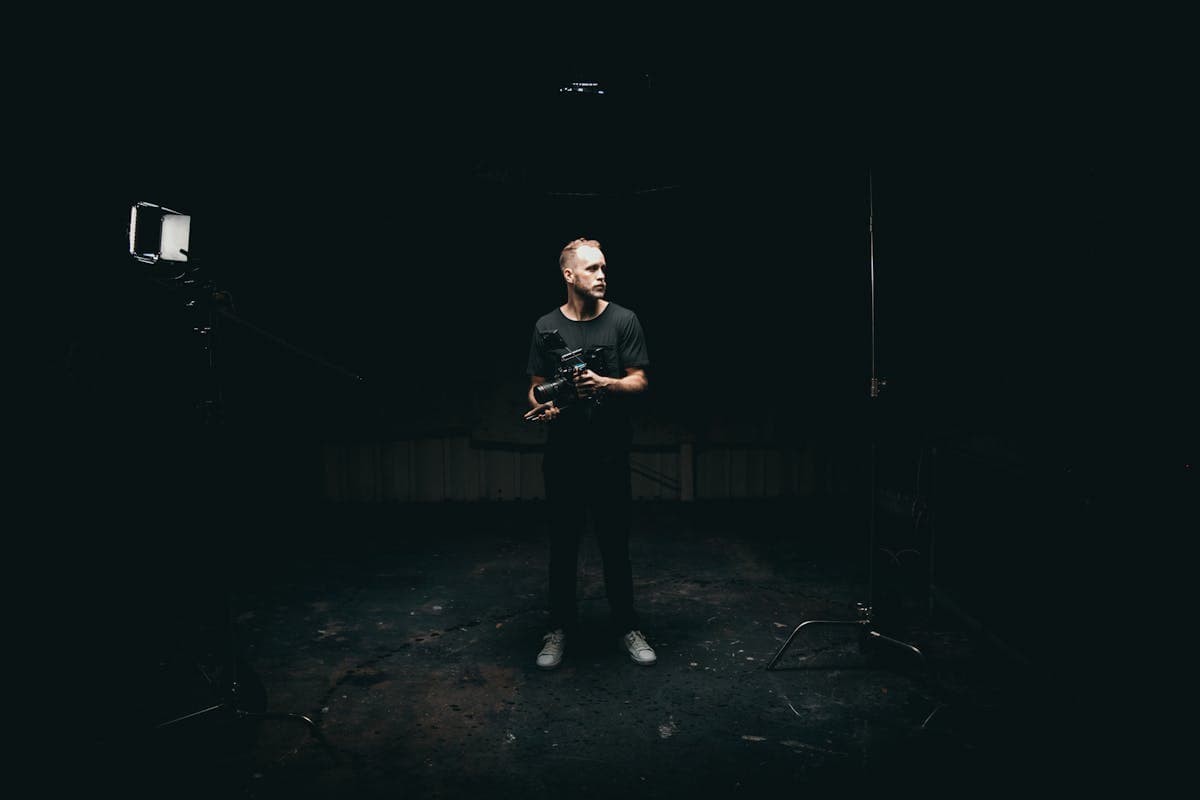
Portrait with AI background
Specific prompts produce more convincing results

What to Avoid

  • Too vague: "Nice background" — the AI has no direction
  • Too complex: Describing 10 different elements creates visual chaos
  • Contradictions: "Bright sunny day with dark moody shadows" confuses the model
  • Brand names: "Apple Store interior" — use descriptive language instead

Matching Prompts to Your Lighting

The most natural results come from aligning your prompt with your actual studio lighting. Hard directional light pairs with outdoor sun scenes. Soft diffused light pairs with overcast or interior scenes. Flat even light works with almost anything.

Save and Reuse Templates

Create a library of tested prompts in FramePulse. Organize them by category: studio, outdoor, interior, abstract. When you find a prompt that produces great results, save it as a template and reuse it across sessions.

Rate this article

Ready to Try AI Background Replacement?

Start generating professional photos with AI-powered backgrounds in seconds.

Get Started Free

Comments

Writing Effective Prompts for Background Generation — AI Photo Studio — AI Photo Studio